As kids we drew on paper for hours and made whatever we wanted — no guide rails, no
limits, just paper and our imaginations. I want to give my kids that same thing
before it's too late.
I made this to get them into their own imaginations.
I remember being young, playing games that were full of imagination — you brought
the ideas, and the game made room for them. The games handed to my kids aren't
that. They're tools built to keep them engaged: set systems, followed blindly,
designed to keep kids in the app instead of in their imaginations. And
between the levels, someone is always selling them something.
So I built the opposite, from my heart, for my two kids — Finn and Flora. No ads. Nothing sold
to kids. Nothing drawn for them. A blank page and one promise —
draw it, and it will live. The imagining happens on paper, with markers,
at the kitchen table. The screen is just where the drawing goes to live.
And there's a quieter reason. We watch our kids imagine whole worlds, then forget
them piece by piece — and most of the drawings get thrown away, because nobody has
room to keep them all. Paper Worlds fixes both. The drawings stay. The worlds stay.
One day my kids will open their books, grown, and remember the time we spent
together making these.
So the mission is simple — save the worlds. And the vision is simpler —
create them together. Join them. Have fun with them. Even if it's just a
small amount of time: we need it, and they need it.
We forgot the paper worlds we created as kids —
let's not let our kids forget theirs.
their drawings, living
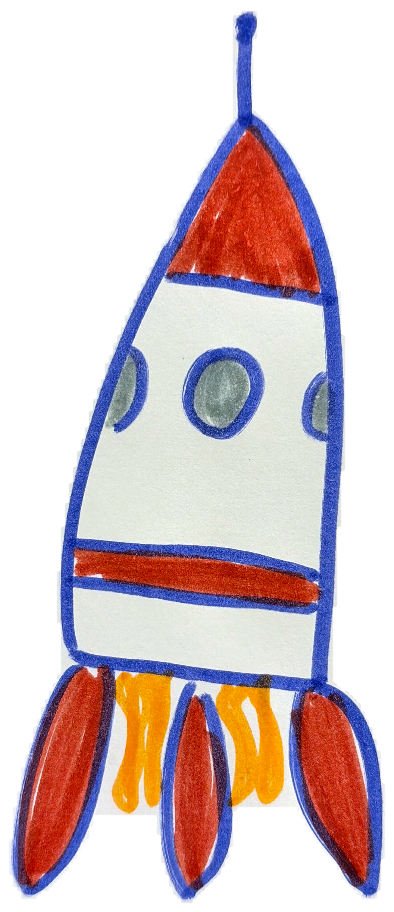
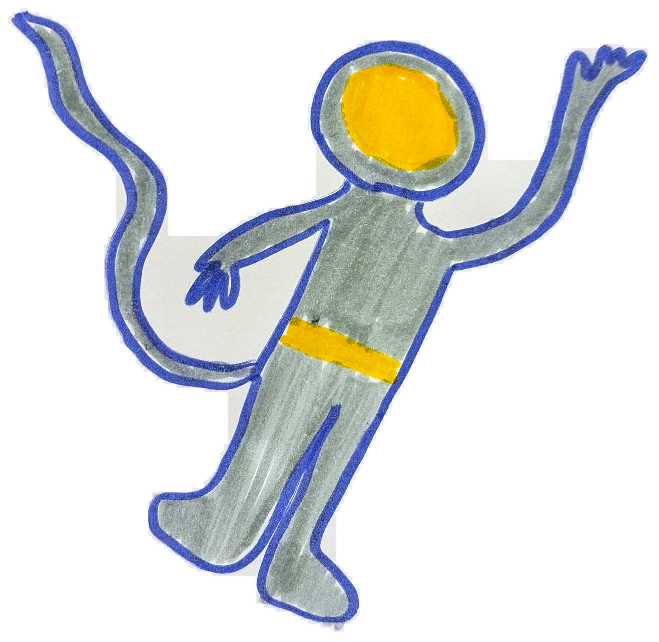
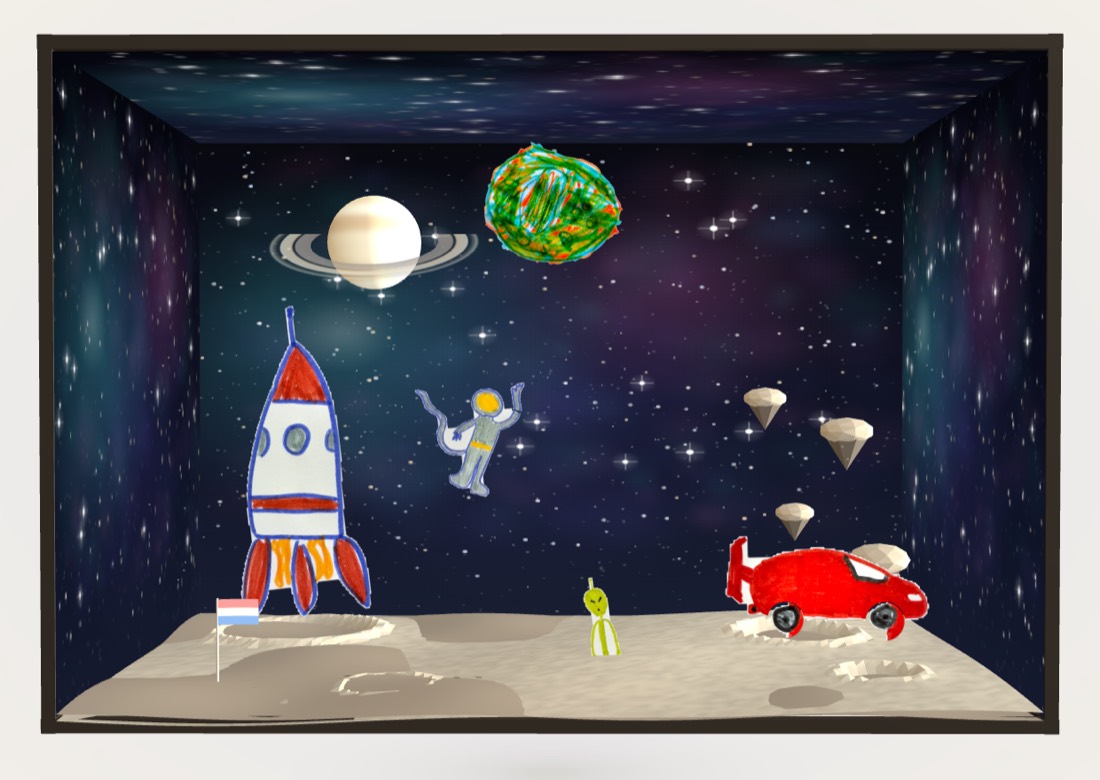
Moondust Flats — the rocket planted its flag, the astronaut floats, and the swirly green planet spins next to Saturn
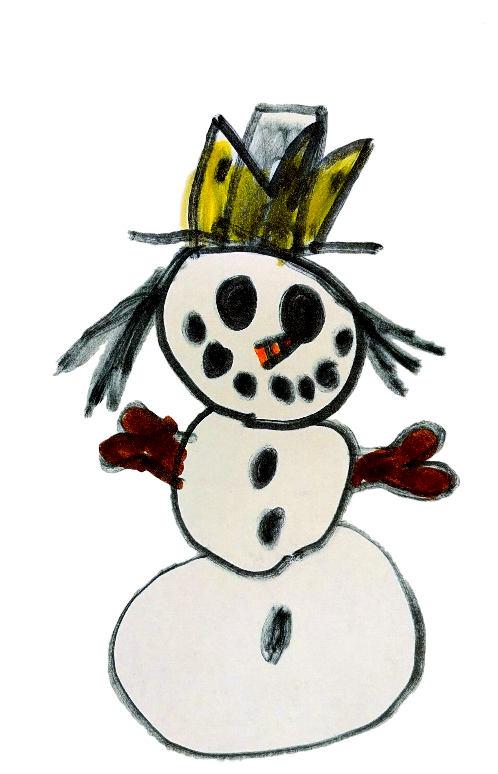
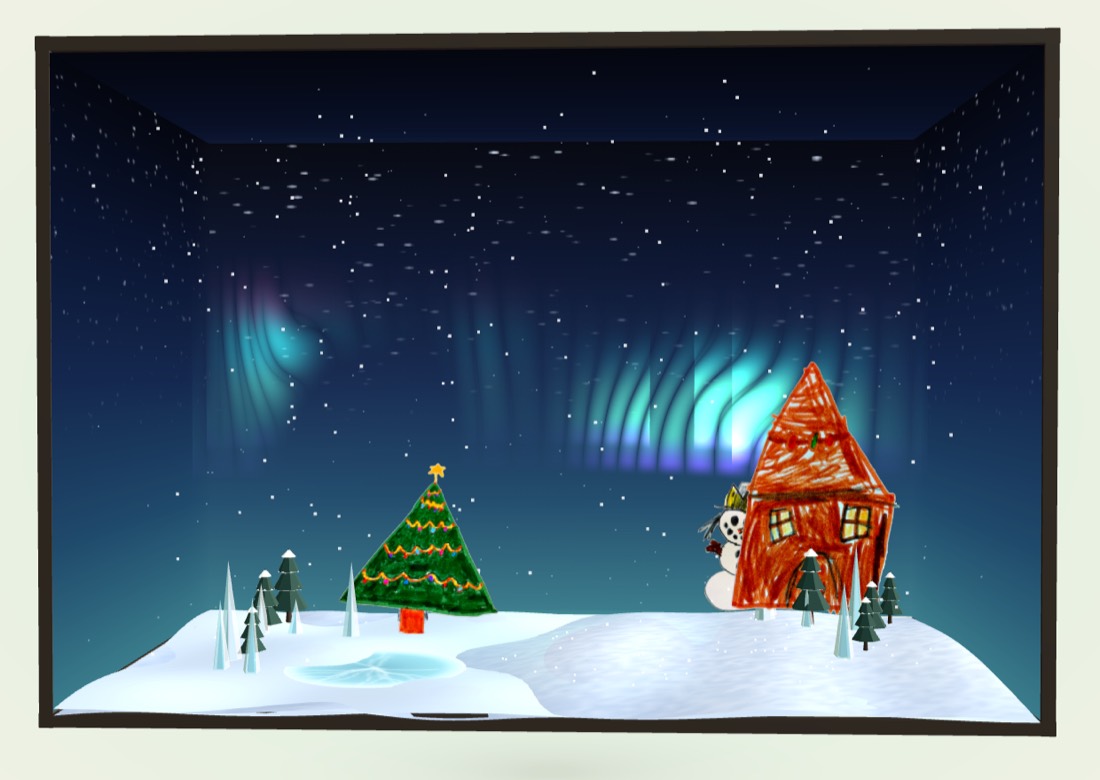
Aurora Hollow — the snowman and the cozy red house, under northern lights that dance all night
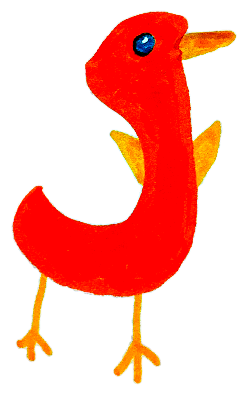
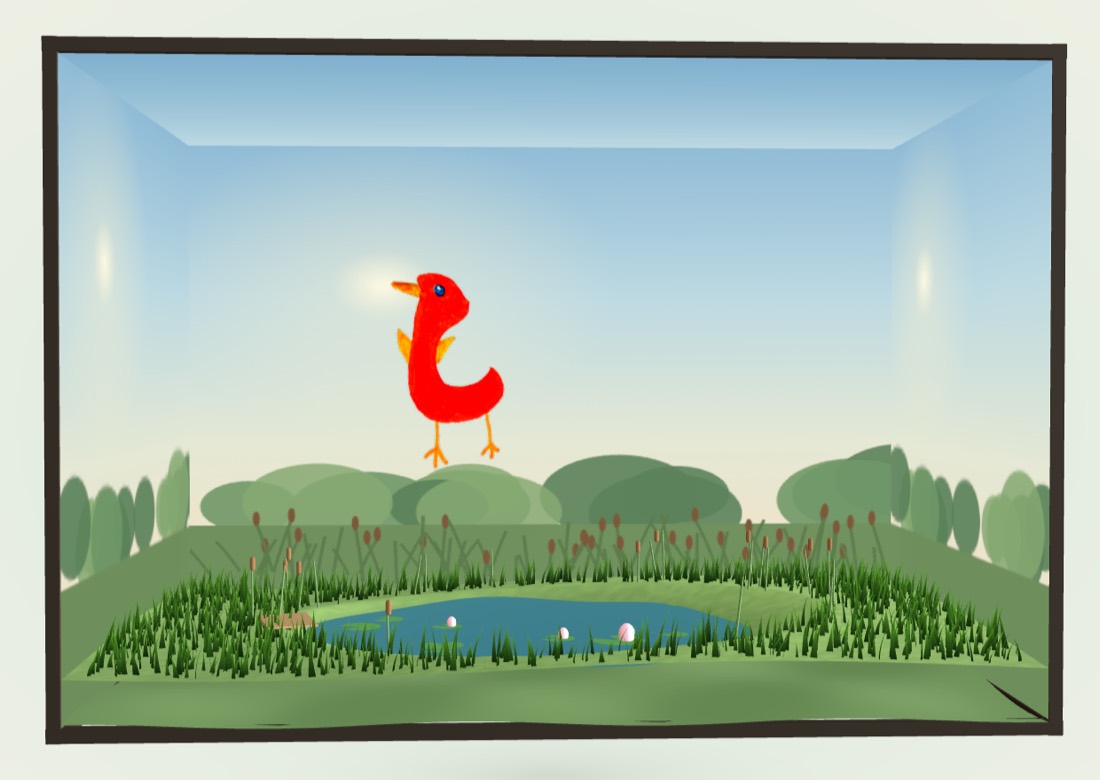
the Pond — where the red bird splashes with the ducks
every drawing on this page was made by Finn, Flora, and their cousins Skylee and Bridgette — with markers, on real paper.
the worlds keep going without them
Close the iPad and nothing stops. The creatures keep wandering, keep talking to each
other, keep finding the things you drew last week. Come back tomorrow and someone has
moved, someone is napping, someone has made a friend.
Kids come back here to be creative, not overstimulated. They come to check in on
their creations — the friends they made out of a marker and a piece of paper — to see
what they've been up to, and to stand there dreaming up what else could live in there.
how to start
1
open it on the iPadpaperworlds.app in Safari — the worlds look best on a big screen
2
make it an apptap the share button (the square with the arrow) → "Add to Home Screen" → Add. full screen, its own icon, no browser bars — a real app, no App Store
3
draw on real paperanything at all — crayons, markers, whatever's in the drawer. then tap 📷 and snap the page, right on the iPad
4
watch it come alivethe magic lifts it off the page. name it, tell the world about it, drop it in — it walks, swims, blinks, and makes friends
5
grown-ups: add your emailtap the 4-letter code → 📬 weekly art email. once a week: what came alive, saying its own little things. no marketing emails, ever — kids never make accounts
the best version: on the TV
The bigger the screen, the better this gets. Put the world up on the living-room
television and leave it there — the worlds are wide, and at that size the creatures are
the size of a child's hand.
Then a phone becomes the scanner. A kid draws at the kitchen table, snaps the page,
and their drawing walks onto the TV in front of everyone. Whoever is in the room
watches it arrive. That's the moment worth setting up for — and it's why several kids
can share one screen while each holds their own phone.
You only need a second device for the TV setup. On an iPad or a laptop, the app
takes the photo itself — same camera, same app, nothing else to pick up.
1
get paperworlds.app onto the TVany of these work: a smart TV's own browser, AirPlay or Chromecast from a laptop, or an old laptop plugged into the HDMI port
2
leave the world upit keeps going on its own — creatures wander, nap, and find each other whether or not anyone is watching
3
hand the kids a phonethey scan the 4-letter code on the TV, photograph their drawing, and send it up. no app to install on the phone, and no account for them
one grown-up account, every kid's device
This part works differently from most kids' apps, so here it is plainly: there is
exactly one account, and it's yours. Your kids never make one.
1
enter your email, onceon any device — the iPad, your phone, a laptop. no password, ever
2
type the 6-digit code we email youthat's it. the family account exists now, on every device you sign in on
3
do the same on every other deviceeach kid's iPad, the old phone in the drawer, grandma's tablet. same email, new code, and that device joins the same family — one child per device, or all of them on one, however your house works
4
run everything from anywheresign in on any device and you're holding the whole family: add creations, see every world and everything they've drawn, turn auto-refill on or off and cap it, order the book, or close the account. one place, from any screen in the house
Creations come from one shared pack, so it doesn't matter which kid uses them or which
iPad they're on. Each device keeps its own world and its own 4-letter code — the account
is what ties them together, and it's the only thing you ever sign in to.
the 4-letter code, explained
The first time Paper Worlds opens on a device, it makes up a 4-letter code. That code
is the world — it's how the phone knows where to send a drawing, and how the world
finds its way back after a reload. One device, one code, one world.
a world each. Two devices, two codes, two separate worlds. They can
still visit each other any time and come straight home again.
or one big one. Type the other device's code and choose
move in — every drawing moves across, and from then on both screens
show the same world.
and back apart, if it doesn't suit. In the grown-ups menu, open
this device's world code and choose separate. Every drawing returns to the device that
brought it; anything they made together stays in the shared world.
Visiting is a trip; moving in is a move. Visiting is temporary and tidy — the 🏠 button
brings a kid straight back to their own world, and anything they dragged into a friend's world
comes home with them. Moving in is permanent and one-way, so it asks twice before it does
anything.
Either way, the account never changes. Your email sits above all of it — one shared pack
of creations, one place to see every world, however many codes are underneath.
the promises
no ads, ever
no kid accounts
nothing sold mid-play
every creation saved
magic costs pennies
the game is free, and it runs on magic — the AI that lifts drawings off the
page and brings them to life. magic costs pennies a creation, sold in small one-time
packs priced at what it actually costs to run. no subscriptions, ever.
made by a dad for his own kids ·
paperworlds.app terms & privacy promises — no tracking, no ads, no data collection, ever Paper Worlds is a registered DBA of With Love Studio LLC, Utah.